Live events are unforgiving. Unlike a studio shoot, there are no second takes when a keynote speaker finishes their talk or a band plays its final chord. Professional live event video production exists precisely to eliminate that risk — through planning, redundancy, and crew experience.
What Live Event Video Production Actually Covers
The term gets used loosely, so it helps to be specific. Live event video production spans three distinct phases, each with its own technical requirements.
Pre-production involves location recce, power and rigging assessments, shot-list creation, script coordination with event organisers, equipment manifests, and crew briefings. For a mid-scale corporate conference, this phase typically takes two to three weeks.
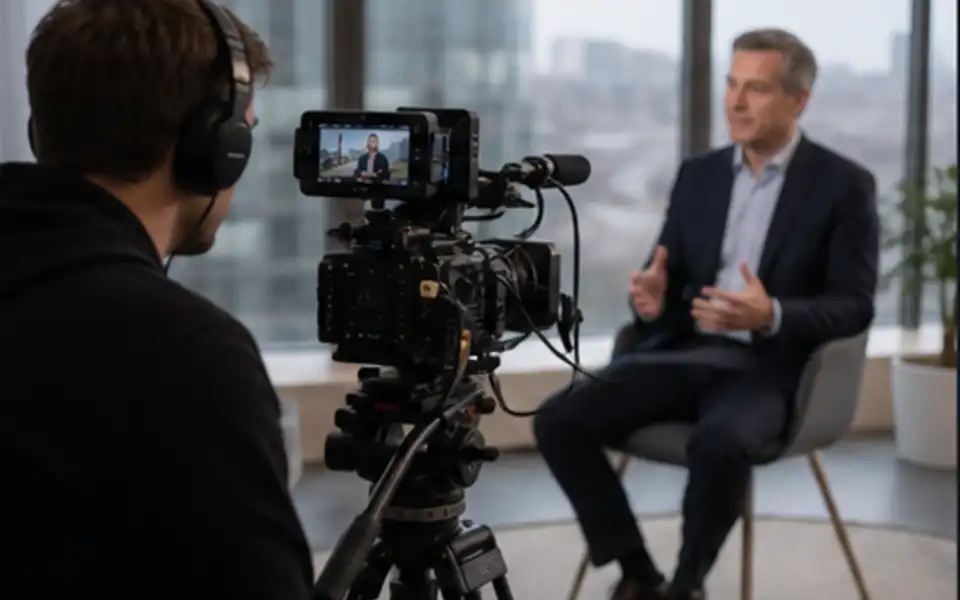
Production is the live shoot itself — multicamera operation, sound capture, lighting integration, and in some cases a live vision mix (switching between cameras in real time).
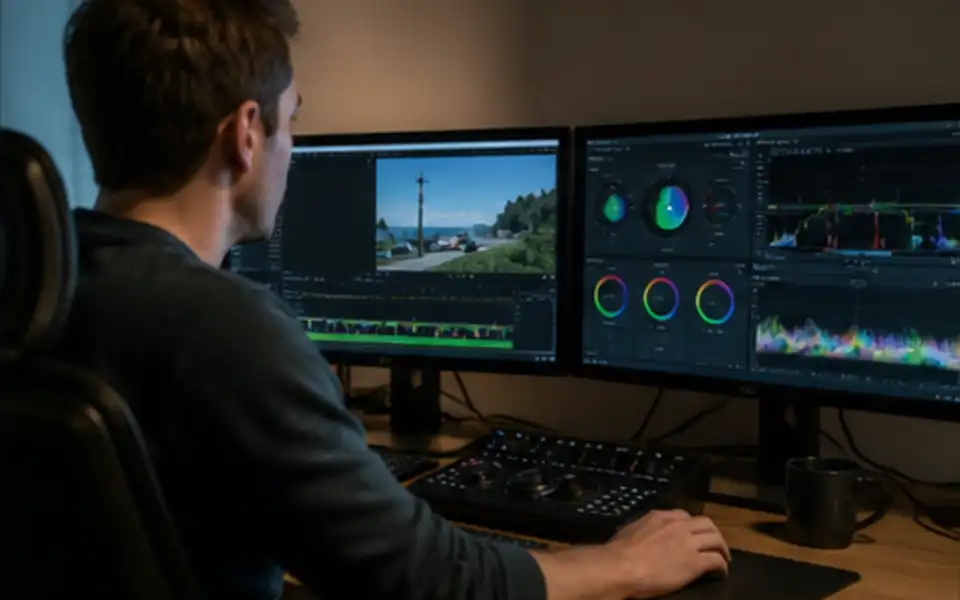
Post-production covers editing, colour grading, sound mix, graphics, and delivery in formats suited to broadcast, streaming platforms, or internal distribution.
These three phases are not optional add-ons. Skipping or compressing any one of them is the most common reason event footage ends up unusable.
Types of Events Covered
| Event Type | Typical Camera Count | Key Technical Challenges |
|---|---|---|
| Corporate conference | 2–4 | Varied lighting, multiple speakers, teleprompter sync |
| Product launch | 3–6 | Brand colour accuracy, live demo capture, audience reaction |
| Awards ceremony | 4–8 | Fast-paced cuts, stage lighting contrast, dual sound feeds |
| Concert / live music | 5–12+ | Dynamic range, crowd management, FOH audio feed |
| Hybrid / virtual event | 2–4 + stream encoder | Latency management, remote presenter integration |
| Sporting event | 6–20+ | High motion, unpredictable action, instant replay demand |
Each format demands a different rig configuration. A hybrid conference that sends feeds to remote attendees requires a dedicated streaming encoder, a stable fibre or bonded 4G/5G connection, and a separate audio mix for the stream — not simply a camera pointed at a screen.
Multicamera Production: Why Camera Count Matters
Single-camera coverage of a live event produces flat, static footage. A two-camera setup already allows for wide-shot/close-up alternation. From three cameras upward, a director can cut rhythm into the edit that matches the energy of the event itself.
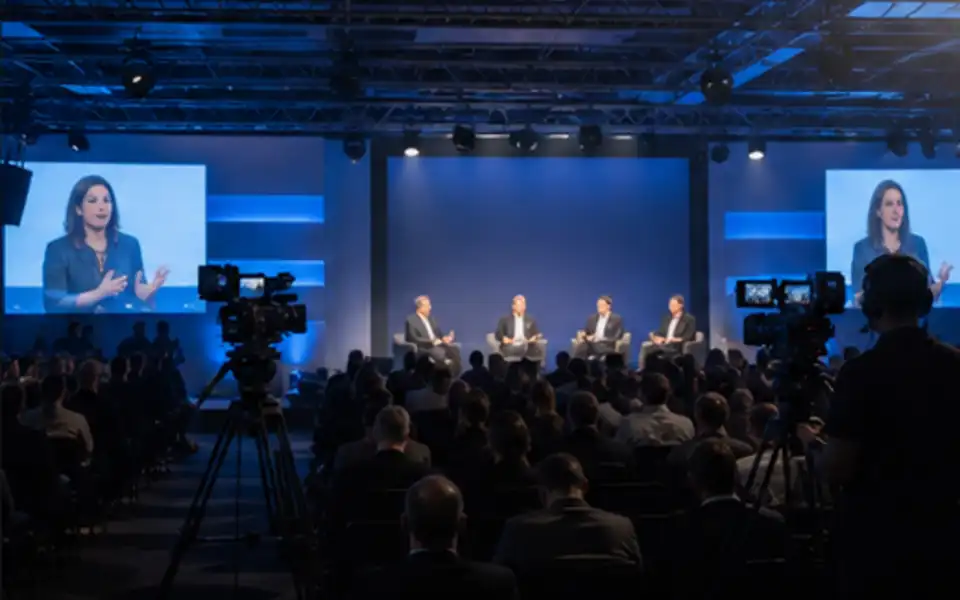
At broadcast level — televised events, nationally streamed conferences, arena concerts — camera counts routinely reach double figures. Each feed runs into an outside broadcast (OB) unit or a flypack system where a vision mixer selects shots in real time. The edited output can go to screen, to a live stream, or be recorded to server for same-day turnaround.
Key positions for a typical eight-camera conference shoot:
- Wide master shot (locked off or on a remote head)
- Roving handheld on the stage
- Dedicated close-up on the main speaker position
- Audience reaction camera
- Panel table camera (if applicable)
- Two roaming floor cameras for Q&A
- Overhead or jib for establishing shots
Missing any of these angles creates edit gaps that no amount of post-production work can fully resolve.
Live Streaming: Technical Considerations That Get Overlooked
Streaming a live event is not the same as recording one. The two can happen simultaneously, but the streaming chain introduces failure points that purely recorded productions never encounter.
Latency. A 15–30 second delay is standard on most consumer streaming platforms. For interactive hybrid events, this breaks audience participation if not managed carefully.
Bitrate and resolution. A 1080p stream at 5–8 Mbps is the practical minimum for broadcast-quality output on most major platforms. 4K streaming requires 20–25 Mbps sustained upload — not always achievable on venue Wi-Fi.
Redundancy. Professional streaming workflows use bonded cellular (combining multiple 4G/5G connections) or dedicated fibre drops as a backup to venue internet. A single internet feed for a high-profile live stream is an unacceptable risk.
Graphics and lower thirds. Speaker names, titles, hashtags, and branding elements need to be built ahead of time and triggered cleanly during the stream. Last-minute changes to graphics at a live event cause errors that viewers see in real time.
Audio: The Part Clients Consistently Underestimate
Poor audio destroys usable footage faster than any camera issue. A beautifully graded wide shot of a panel discussion is worthless if the lavalier mics were left on the default gain setting and the room's PA system fed back for thirty seconds.
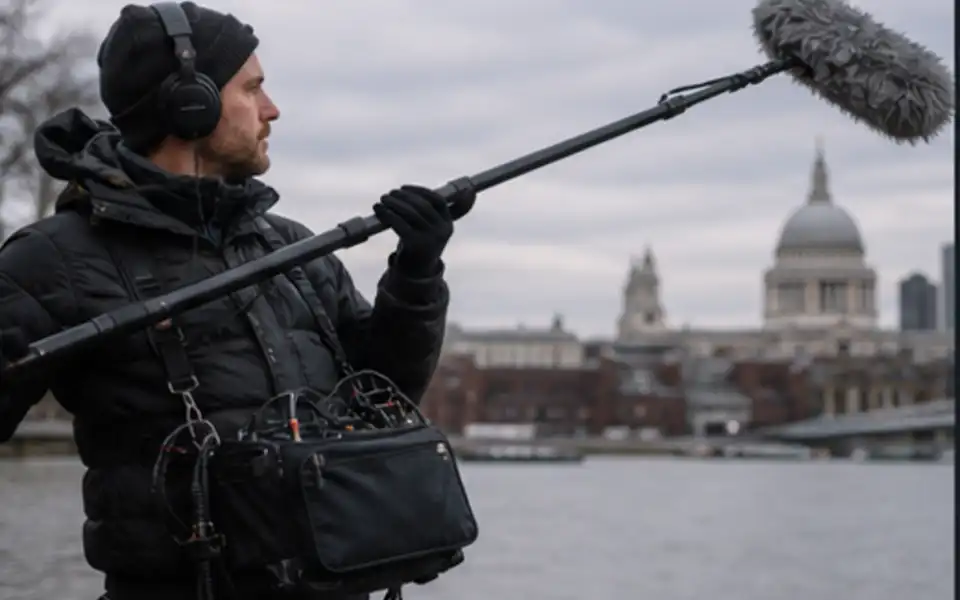
Live event audio capture requires a split from the venue's FOH (front of house) desk directly into the recording and streaming chain — this gives clean, pre-mixed audio rather than the room sound picked up by camera microphones. Where a split is not possible, dedicated boom operators or boundary microphones placed on stage become necessary.
For events with both a live room audience and a remote streaming audience, two separate audio mixes are typically needed: one optimised for the physical room and one optimised for headphone listening.
What to Expect From a Professional Production Company
A production company taking on live event work should be able to answer the following questions clearly before contract:
- What is the crew-to-camera ratio on site?
- What happens if a camera fails during the event?
- Who is responsible for health and safety on set?
- Is there a dedicated streaming technician separate from the camera operators?
- What format will the recorded files be delivered in, and when?
- Does the quote include the vision mix or is that charged separately?
Vague answers to any of these — particularly around equipment redundancy and post-production timelines — indicate a crew that has not done this at scale.
Post-Production for Live Events
Editing live event footage is different from narrative or commercial editing. The raw material is imperfect by nature: the speaker stumbled over a line, a camera operator missed a cut, the lighting changed unexpectedly when the doors opened. The editor's job is to build a coherent, watchable cut from material that was captured under real-world constraints.
Standard deliverables from a live event post-production package:
| Deliverable | Typical Use |
|---|---|
| Full event edit (uncut) | Internal archive, compliance |
| Highlight reel (2–5 minutes) | Social media, website |
| Speaker clips (individual) | LinkedIn, speaker bureaus |
| Broadcast master | TV, streaming platforms |
| Social-optimised cuts (vertical / square) | Instagram, TikTok, YouTube Shorts |
| Same-day edit | On-screen playback at event close |
Same-day edits — a 3–5 minute cut delivered and screened at the end of the event itself — require an editor embedded in the production crew working in real time. This is a specialist service and should be agreed during pre-production, not requested on the morning of the event.
Broadcast Production vs. Corporate Production
There is a meaningful difference in technical specification between corporate event video and broadcast event video, and clients benefit from understanding it.
Corporate production prioritises content capture: every speaker is recorded cleanly, the edited version is professional, and the footage serves internal or marketing purposes. Equipment choices balance cost with quality.
Broadcast production must meet specific technical delivery standards set by broadcasters (such as those outlined in EBU R 68 for audio, or platform-specific ingest specs). Frame rates, colour spaces, audio loudness levels (-23 LUFS for EBU R 128 compliance), codec choices, and delivery formats are all constrained by the destination platform. A production team working at broadcast level will have BSS (broadcast-standard equipment), an experienced vision mixer, and post-production workflows aligned to those specifications.
Planning Timeline for a Live Event Production
| Time Before Event | Key Actions |
|---|---|
| 6–8 weeks | Initial brief, location recce, budget agreement |
| 4–5 weeks | Equipment manifest, crew booking, logistics planning |
| 2–3 weeks | Script and runsheet review, graphics build begins |
| 1 week | Technical rider sent to venue, streaming test if applicable |
| 1–2 days before | Rig and technical rehearsal |
| Event day | Full production crew on site |
| 24–72 hours after | First edit delivered (highlight/social) |
| 1–2 weeks after | Full event edit and broadcast masters delivered |
Compressing this timeline is possible for smaller events, but anything broadcast-level or hybrid with a significant remote audience needs the full window.